


What to Do When Your Smartphone Stops Charging
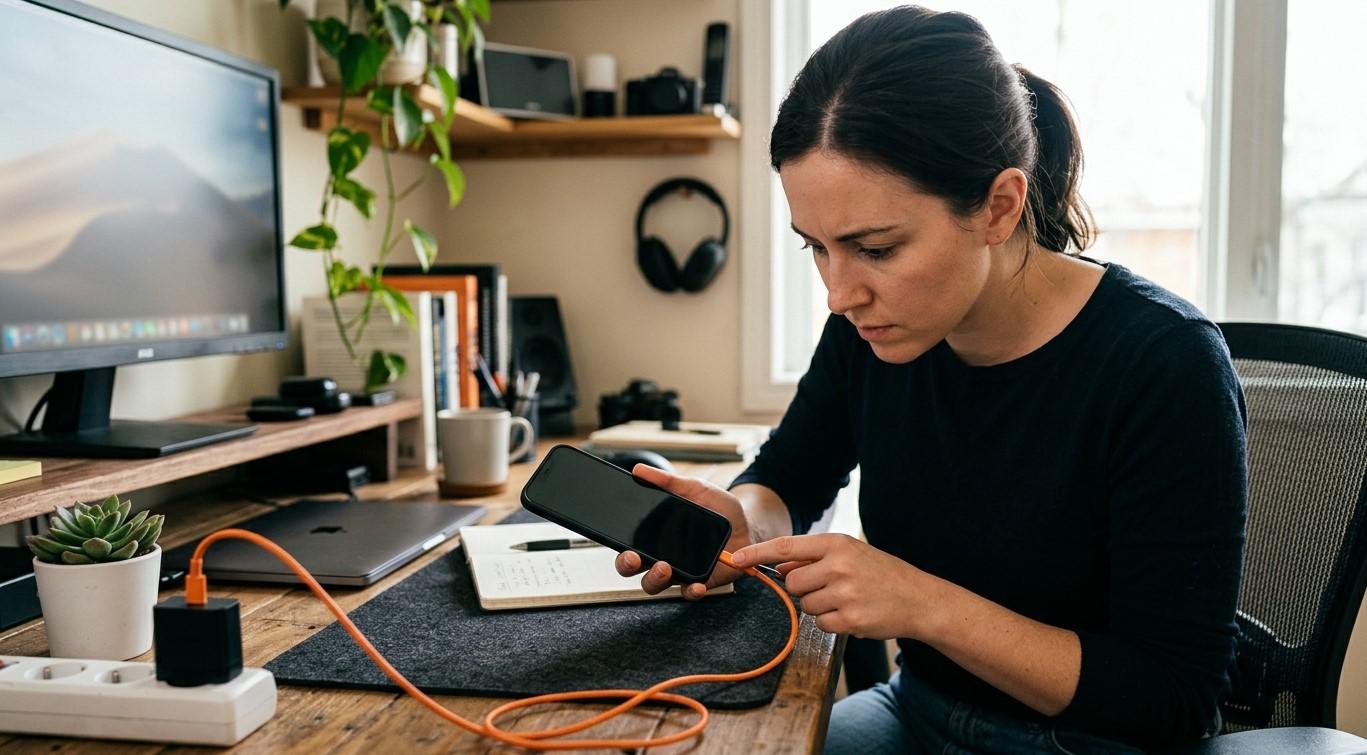
A smartphone that refuses to charge can quickly become a frustrating problem, especially when you rely on it for calls, messages, work, and everyday activities. Charging issues can result from a faulty cable, a damaged charging port, battery problems, or software errors. Precision Fix, associated with mobile phone repair Albany and iPhone screen repair Albany, recognizes the importance of understanding common device problems and finding practical repair solutions.
Table of Contents
-
Common Reasons Smartphones Stop Charging
-
What to Check Before Seeking Repair
-
When to Get Professional Repair
-
Frequently Asked Questions
-
Contact Precision Fix
1. Common Reasons Smartphones Stop Charging
Understanding the possible cause can help you determine the next step.
Damaged Charging Cable or Adapter
A frayed cable, loose connector, or faulty power adapter may prevent your phone from receiving power. A compatible, undamaged charger can help determine whether the accessory is responsible.
Dirty or Damaged Charging Port
Dust and debris can accumulate inside the charging port and interfere with the connection. Avoid inserting metal objects or applying liquids to clean it, as these actions may damage the device.
Battery Problems
An aging or damaged battery may charge slowly, lose power quickly, or fail to charge altogether. Battery performance can decline over time, making professional inspection helpful.
Software Issues
Temporary software errors can sometimes interfere with charging indicators or normal device operation. A restart or appropriate software update may resolve certain issues.
Overheating
Smartphones may temporarily limit or stop charging when their temperature becomes too high. Allow the device to cool naturally in a safe location before trying again.
2. What to Check Before Seeking Repair
Try these basic troubleshooting steps when the phone shows no signs of physical damage.
-
Inspect the charging accessories: Check the cable and adapter for visible damage.
-
Try another compatible charger: Use a reliable charger and a working power outlet.
-
Restart the phone: A restart may resolve temporary software issues.
-
Check the charging port: Look for visible debris or damage without inserting tools.
-
Allow the phone to cool: If it feels unusually warm, disconnect it and let it cool naturally.
-
Check for software updates: If the phone can still operate, install appropriate updates from trusted sources.
If the phone supports wireless charging, testing a compatible wireless charger may help determine whether the wired charging connection is the problem.
Safety note: If the phone has a swollen battery, a burning smell, visible liquid damage, or unusual heat, stop charging it and seek professional guidance. Never attempt to open a swollen battery or continue using a device that appears unsafe.
3. When to Get Professional Repair
If your smartphone still will not charge after basic checks, an underlying hardware problem may be responsible.
A repair technician can inspect the charging port, battery, internal connections, and charging circuitry. Proper diagnosis helps identify the faulty component and avoid unnecessary replacements.
Before approving a repair, ask about the estimated cost, replacement-part quality, warranty coverage, and potential risks to stored data. Back up your information beforehand whenever possible.
Frequently Asked Questions
Why does my phone show that it is charging but the battery percentage does not increase?
The charger may provide insufficient power, or the phone may have a battery, software, or hardware issue. A technician can investigate if basic checks do not help.
Can a damaged charging port be repaired?
Depending on the phone model and the extent of the damage, the port may be repairable or require replacement.
Is it safe to charge my phone overnight?
Use a compatible, undamaged charger and follow the manufacturer's safety guidance. Avoid charging a device that is overheating or physically damaged.
How do I know if my smartphone battery needs replacement?
Rapid battery drain, unexpected shutdowns, and charging difficulties can indicate battery problems, although other faults may produce similar symptoms.
Conclusion: Get Your Smartphone Charging Again
Smartphones can stop charging because of damaged accessories, blocked ports, battery deterioration, software problems, or internal hardware faults. Careful troubleshooting may resolve simple issues, while persistent problems require professional diagnosis.
Precision Fix, associated with mobile phone repair Albany and iPhone screen repair Albany, can be a starting point for exploring smartphone repair options and device support.
Call to Action: Is your smartphone refusing to charge? Contact Precision Fix to ask about available repair services, diagnostic options, and estimated costs so you can determine the most practical next step for your device.
 Russian
 English
 Arabic
 French
 Spanish
 Portuguese
 Deutsch
 Turkish
 Dutch
Dutch
 Italiano
 Romaian
 Portuguese (Brazil)
 Greek
Greek