


How to Fix a Phone That Keeps Muting Calls Without Warning
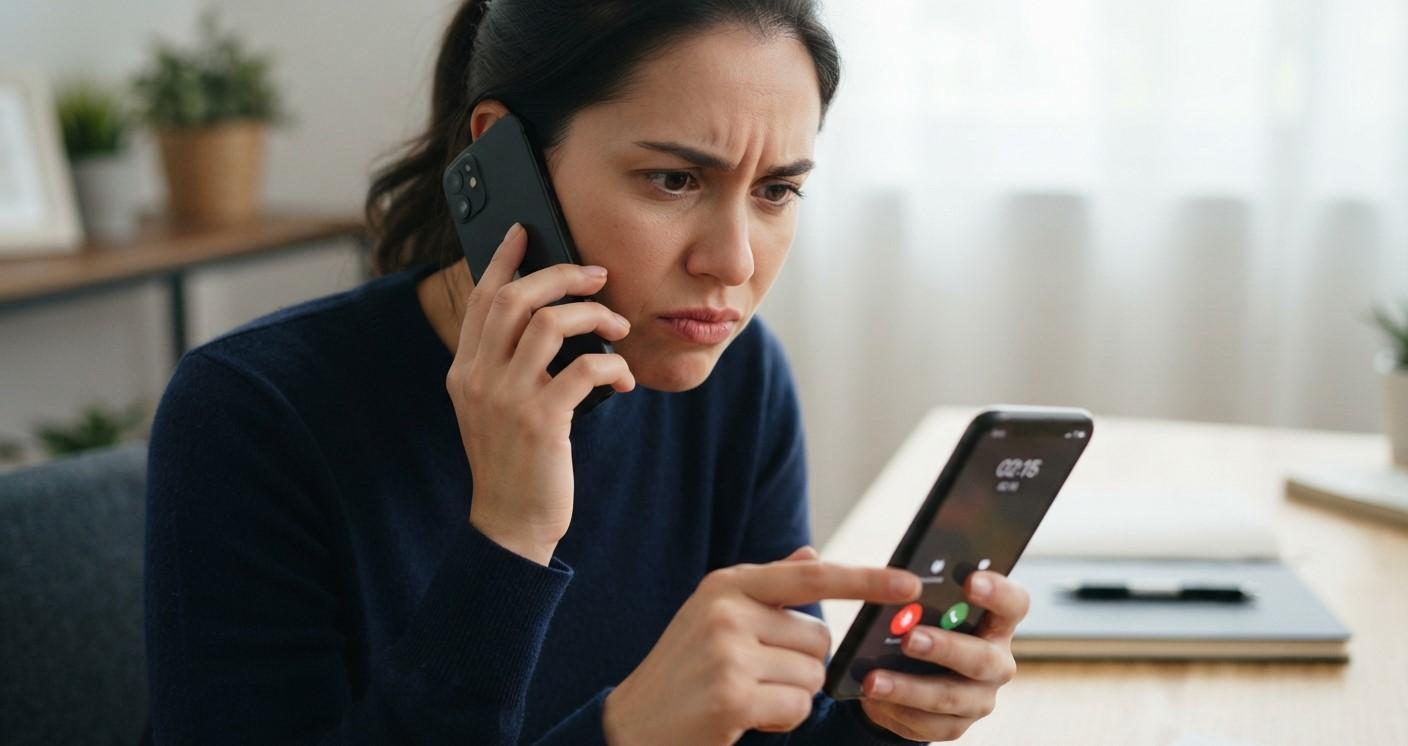
When your phone keeps muting calls without warning, you may miss important conversations or struggle to hear the person on the other end. This issue can result from accidental button presses, incorrect settings, Bluetooth connections, or software glitches. Understanding the cause can help you find the right solution. For additional repair guidance, Mobile Phone Repair Albany may be a useful starting point. If your device also has display damage, you can explore iPhone screen repair Albany options or ask about curbside phone repair Albany availability.
Table of Contents
- Common Causes of Calls Muting Automatically
- How to Fix the Problem
- When to Seek Professional Help
- FAQs
- Conclusion and CTA
1. Common Causes of Calls Muting Automatically
Several factors may cause your phone to mute calls unexpectedly:
- Accidental screen touches: Your cheek or fingers may tap the mute button during a call.
- Bluetooth interference: Connected earbuds, headsets, or car audio systems may cause call-control issues.
- Faulty buttons: A damaged volume or side button may interfere with call functions.
- Software glitches: Outdated software or temporary bugs can affect calling features.
- Third-party apps: Certain call-recording, accessibility, or communication apps may interfere with normal operation.
2. How to Fix the Problem
Try these troubleshooting steps to stop calls from muting unexpectedly.
Check the Mute Button
During a call, look at the screen to see whether the mute option is being activated. Avoid touching the screen unnecessarily, and check whether your phone’s proximity sensor is working properly.
Disconnect Bluetooth Devices
Turn Bluetooth off temporarily and make a test call. If the problem disappears, reconnect your devices one at a time to identify the source.
Restart Your Phone
Restarting your smartphone can clear temporary software errors that affect calling functions.
Update Your Software
Check for official system updates and install any available updates. You should also update your calling apps if necessary.
Check Buttons and Accessories
Remove your phone case temporarily to see whether it presses against physical buttons. Inspect the buttons for sticking or unusual behavior.
Test in Safe Mode
On supported Android phones, Safe Mode can help determine whether a downloaded app is causing the problem. Follow your manufacturer’s instructions to enable it.
3. When to Seek Professional Help
If calls continue muting after these checks, the issue may involve faulty hardware, a proximity sensor problem, or a deeper software fault. A qualified technician can inspect your device and recommend the appropriate repair. Avoid opening the phone yourself.
4. FAQs
Why does my phone mute calls by itself?
Accidental touches, Bluetooth devices, software glitches, or faulty buttons may be responsible.
Can my phone case cause calls to mute?
Yes. A poorly fitted case may press buttons or interfere with sensor operation.
Will restarting my phone fix the issue?
It may resolve temporary software glitches, but persistent problems need further troubleshooting.
Should I reset my phone?
Try simpler fixes first. If a factory reset becomes necessary, back up your important data beforehand.
5. Conclusion and CTA
A phone that keeps muting calls can often be fixed by checking the mute button, disconnecting Bluetooth devices, restarting the phone, or updating its software. If the issue continues, professional diagnosis may help identify a hardware or software fault. For further guidance, explore Mobile Phone Repair Albany, consider iPhone screen repair Albany if your display is damaged, or ask about curbside phone repair Albany availability. Take action today to make your calls more reliable.
 Romaian
 English
 Arabic
 French
 Spanish
 Portuguese
 Deutsch
 Turkish
 Dutch
Dutch
 Italiano
 Russian
 Portuguese (Brazil)
 Greek
Greek