


Footwear POS Software: Better Stock Control Starts with the Right Size
A customer finds a pair of shoes they like, asks for their size, and waits while an employee checks the stockroom. A few minutes later, the employee returns with the wrong colour—or explains that the last pair is at another branch. The customer leaves, even though the business may have had exactly what they wanted.
This is a practical challenge that footwear POS software should help solve. Beyond processing payments, a suitable system helps retailers organise product variations, locate available pairs, and understand what needs replenishing. For shoe stores, those details matter just as much as the checkout itself.
Why shoe inventory needs more detail
A footwear collection can contain dozens of variations within a single style. One trainer might come in four colours and eight sizes, creating 32 possible combinations to track.
Recording all those pairs under one product total gives an incomplete picture. A store could have plenty of stock overall while repeatedly running out of its most requested sizes.
When evaluating footwear POS software, look for stock tracking at the individual variation level. Each size and colour combination should have a clear identifier, an accurate quantity, and an assigned location. Staff should be able to search for the exact pair a customer needs without interpreting vague product descriptions.
Make exchanges part of the demonstration
Footwear purchases do not always end with the first transaction. A customer might return for a different size, exchange a style, or choose a more expensive pair.
Ask potential providers to demonstrate these situations using sample products from your own catalogue. Can the employee find the original sale? Does the returned pair go back into the correct stock category? Can the system calculate and record the price difference?
Also check how it handles damaged returns. A pair that cannot be resold should not automatically appear as available stock. Clear return conditions and consistent recording help keep inventory useful.
Use sales reports to understand missing sizes
Knowing your bestselling shoe is useful. Knowing which sizes sell, which remain unsold, and when stock runs out is more useful for purchasing.
Imagine a store that sells out of sizes 41 and 42 while holding several pairs in sizes 38 and 39. Reordering the same quantity of every size may repeat the problem.
Look for reports that let you review sales and remaining stock by variation. Consider stock availability alongside sales figures: a size may show low sales because it was unavailable for much of the month.
These details give buyers a stronger basis for adjusting future orders.
Connect branches to everyday customer service
For retailers with several locations, branch visibility can make a difference during a sale. Employees need to know where a pair is available and what they can realistically offer the customer.
However, seeing another branch’s stock is only one part of the process. Ask how reservations, transfers, and goods in transit are recorded. A pair being transferred should not appear freely available in both stores.
Test what happens when two employees try to reserve the same item. The answer will reveal more about the system’s usefulness than a general promise of multi-store support.
Keep checkout simple for employees
Detailed inventory management should support a straightforward checkout process. Staff need to identify the correct product, confirm the price, apply authorised discounts, and complete the transaction confidently.
During a demonstration, ask an employee who will actually use the software to process a sale. Include a missing barcode, an exchange, and a discount that requires approval.
This helps reveal confusing steps before they become daily frustrations. Also confirm which scanners, receipt printers, and payment arrangements work with the proposed setup.
Choose a provider around your actual workflow
Start with a short list of recurring problems in your store. These might include inaccurate size availability, slow exchanges, inconsistent branch records, or difficulty preparing purchase orders.
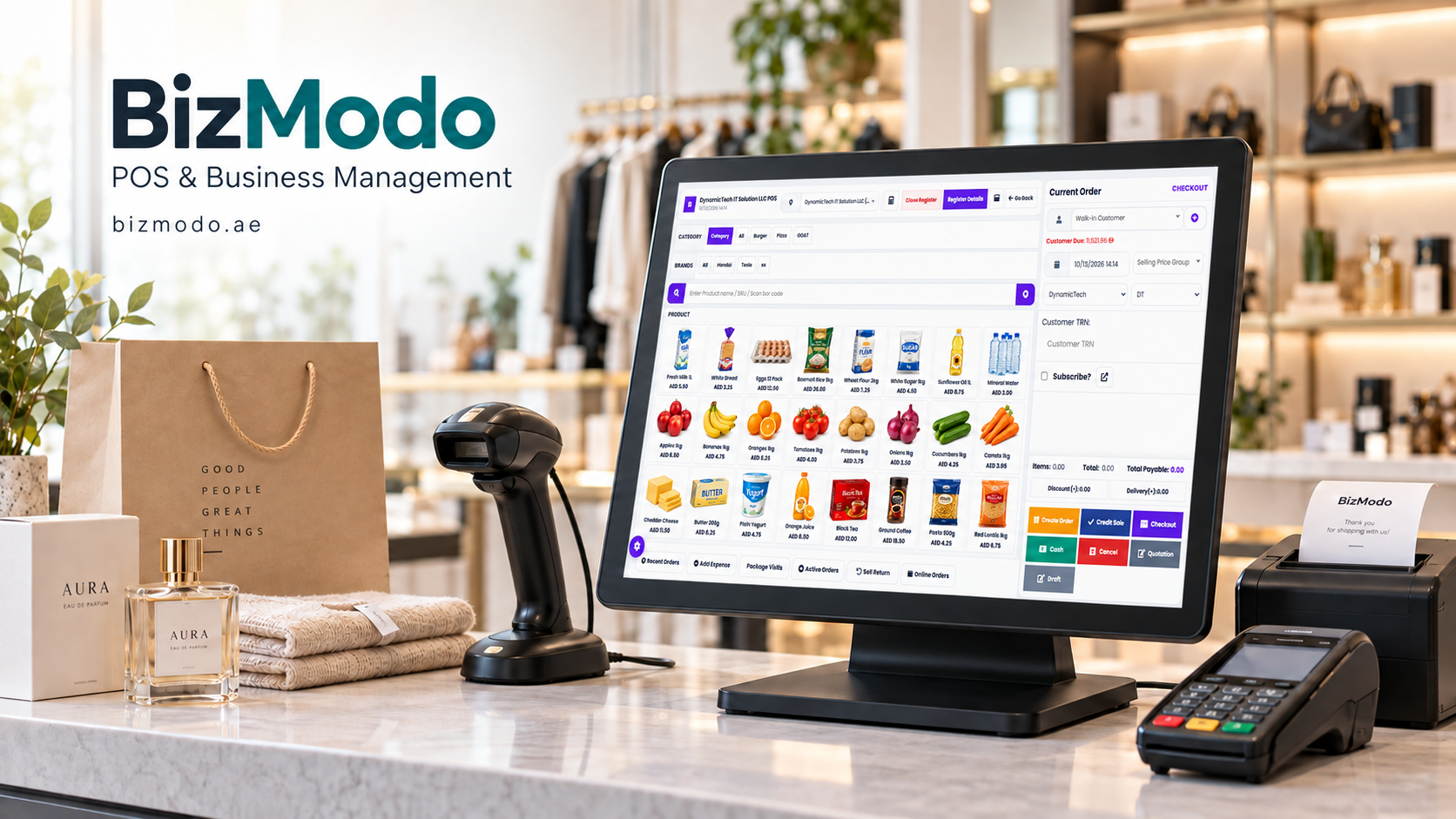
For UAE retailers exploring providers, Bizmodo presents footwear POS among its business solutions and lists inventory management, barcode scanning, reporting, and multi-branch stock transfers on its website. Ask for a demonstration to confirm how its configuration handles your footwear catalogue and operating requirements. bizmodo.ae
Before committing, confirm the full cost, including setup, hardware, catalogue imports, training, additional branches, and support. Ask how you can export your product and transaction records.
The right footwear POS software should help your team answer everyday questions clearly: Do we have this size? Where is it? Can we exchange it? What should we reorder? Build your selection process around those questions, and the decision becomes much easier to assess.
 Dutch
 English
 Arabic
 French
 Spanish
 Portuguese
 Deutsch
 Turkish
 Italiano
 Russian
 Romaian
 Portuguese (Brazil)
 Greek